
To Generate Variants
For each configuration saved in the Part Factory file a variant can automatically be generated. Each variant has its own file and only consists of one configuration.
The Part Factory file shall not be used in any assembly structures. The generated Part Variant file shall be used instead.
|
To save variants:
- Open a part file in SolidWorks of the object class SolidWorks Part Factory

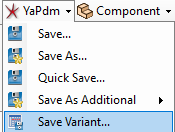
- Select YaPlm-> Save Variant... from the integration menu.
The following dialogue is opened:
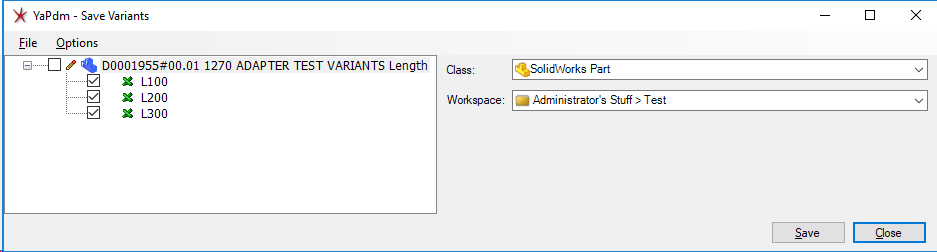
- Mark the variants to be generated and select Save
For the selected variants (configuration) a new object of the class SolidWorks Part is automatically generated. Every object has its own file with only one configuration and without any 'Design Table'.
