
Insert Active
The command Insert Active in the integration menu inserts the currently selected document in YaPlm into the active document.
To insert an object from YaPlm into an open assembly:
- Go to YaPlm and mark on an object
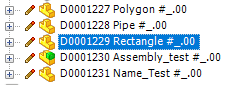
- Switch to the CAD program and activate an assembly
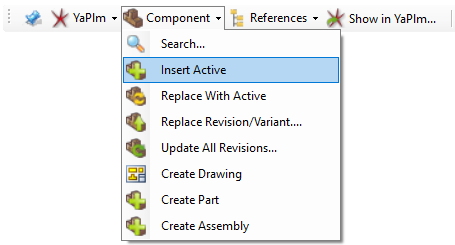
- Select the command Insert Active from the Component menu
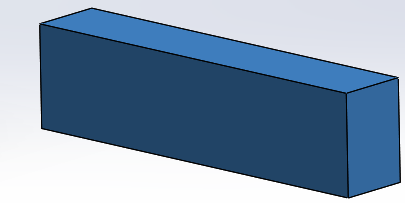
The marked object in YaPlm is now inserted into the active assembly