
Create Drawing
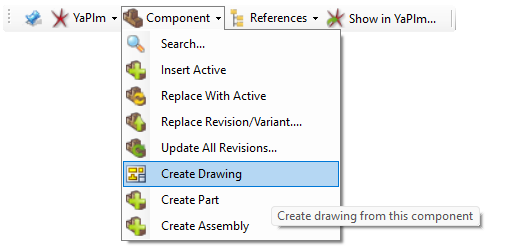
The command Create Drawing creates a new drawing for the active 3D model.
This command is only displayed for 3D models
|
To create a new drawing:
- Select the command Create Drawing from the Component drop-down menu.
The following window is opened
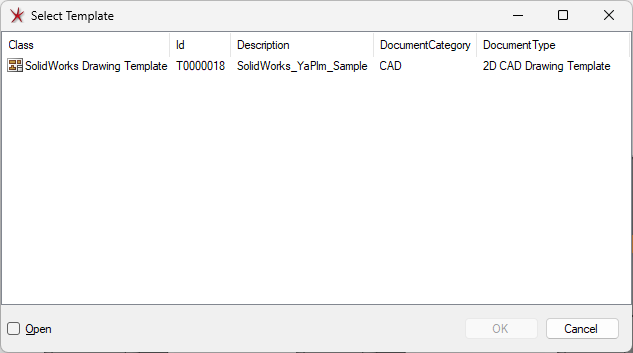
- A list of different templates is shown. Select a drawing template and then OK.
A new drawing based on the selected drawing template is created