To Change an Item
To be able to change or link Main Documents to an item it must be in state Pending
To Create a New Revision of an Item
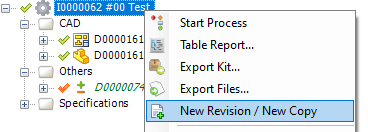
- Mark an Item and select New Revision from the right click menu
The following dialogue is opened
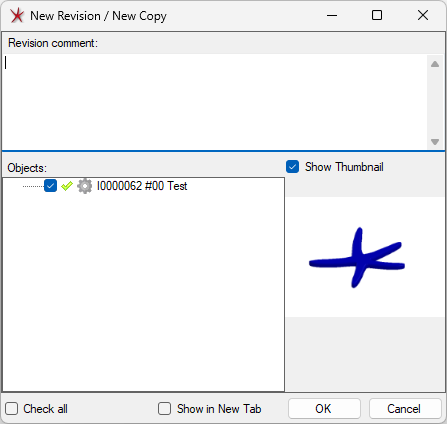
- Press the OK button
A new version of the Item is created and the state is set to Pending