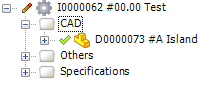
To Link a Main Document to an Item
A Main Document for an Item is a document that defines the item, like a model or a drawing.
To link a Main Document to an Existing Item
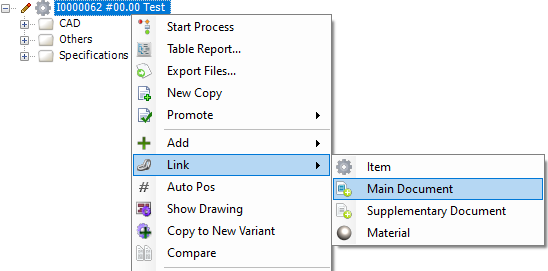
- Mark an Item and select Link - Main Document from the right click menu
A search dialog is opened
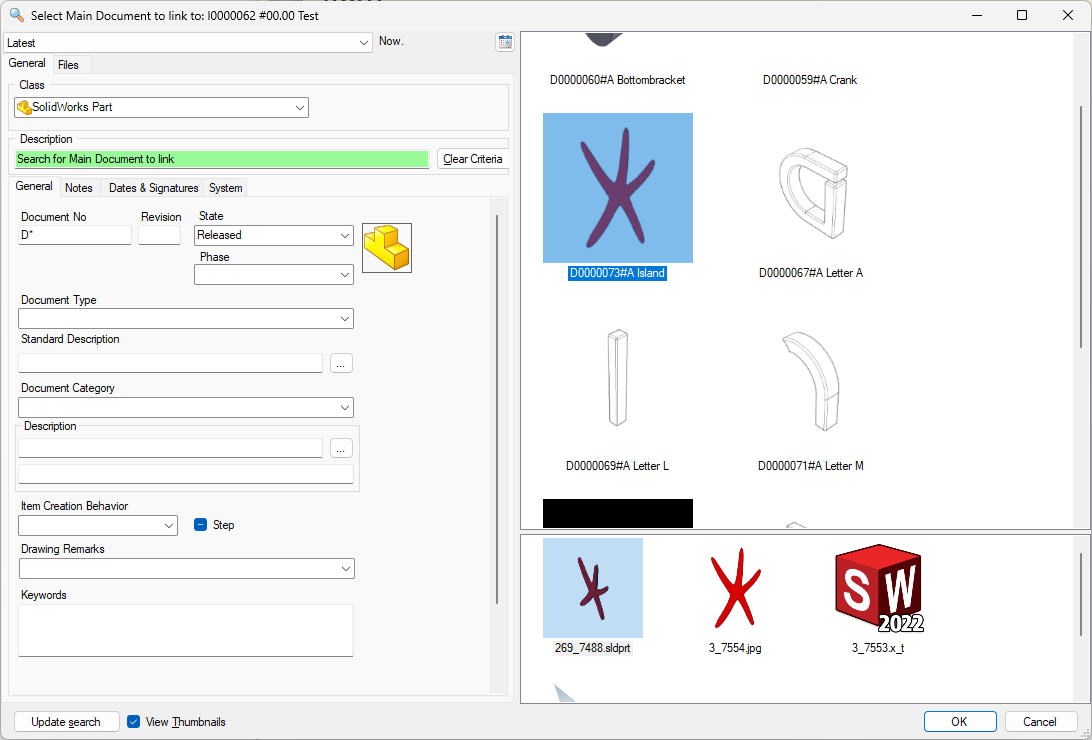
- Fill in a search criteria
- Click Update Search to activate the search.
- Select a document from the search result and click OK.
The selected document is now linked to the Item as a Main Document.